
Design Custom Anime Avatars for Discord, X, and Twitch
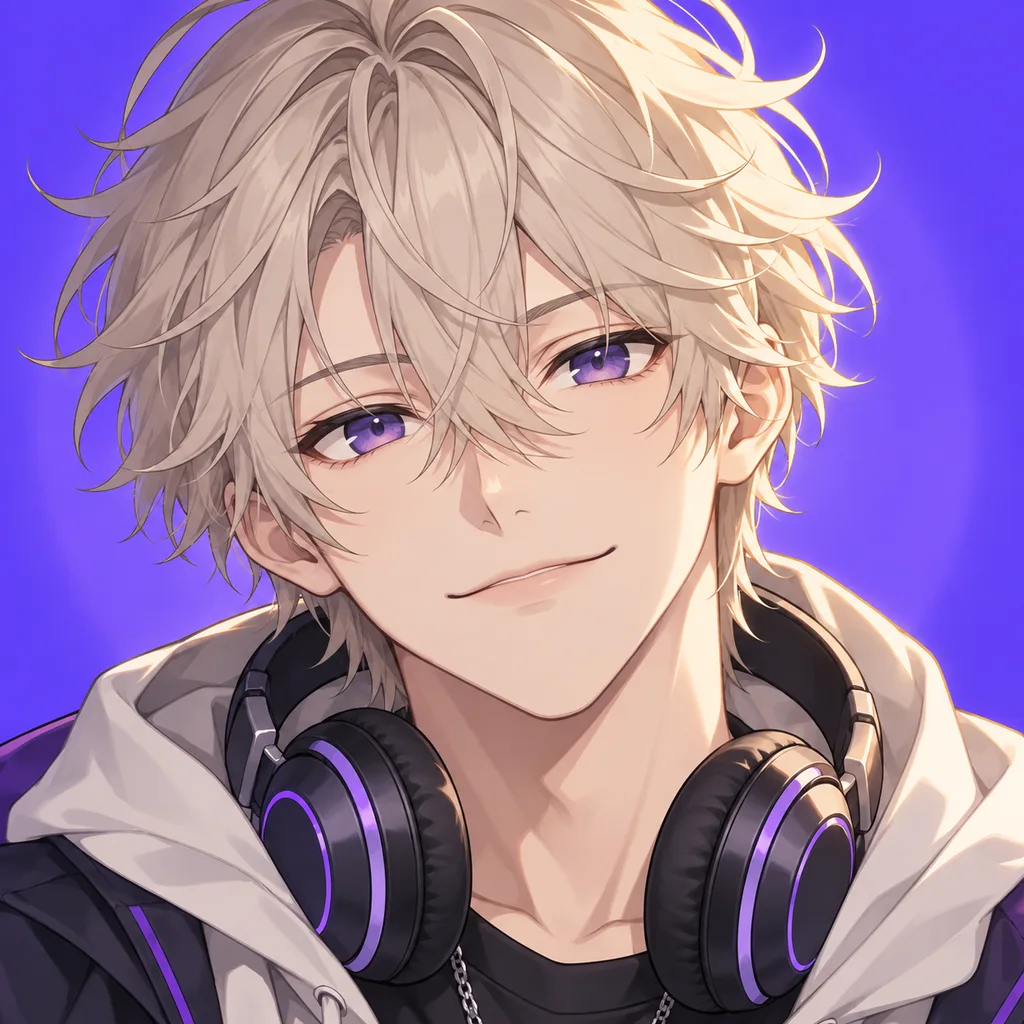
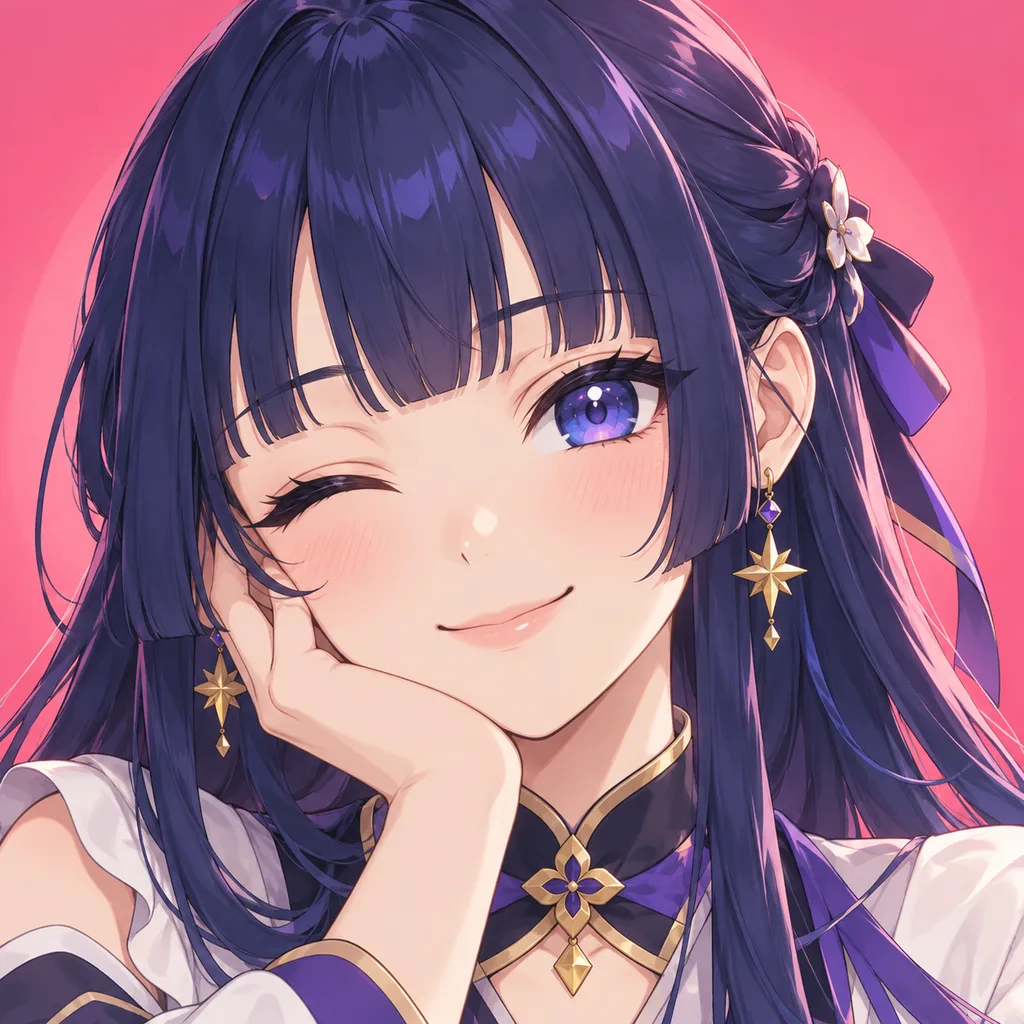
Use our anime avatar maker to turn original character designs into clean profile pictures optimized for social platforms. Crop portraits specifically for circular Discord icons and high-resolution banner displays.
Try an example
Generate three full-body views of one character using your current options.
Morrigan Blackwood
Morrigan Blackwood has named every appliance in their kitchen and lectures the toaster whenever a slice of sourdough burns slightly.
Morrigan Blackwood preserves a cracked pocket watch that stopped ticking long ago, winding the broken crown out of sheer empty habit.
Following an ancient tradition of an overgrown forest sanctuary, Morrigan Blackwood embarked on a solitary pilgrimage armed only with their straight-bladed ninjato with matte wooden scabbard. Travel partners often point out that they easily agitated by loud, repetitive mechanical noises, leading to lively debates around evening campfires. Their ultimate aim is to test their mettle against the continent finest duelists. They keeps a piece of chalk in their pocket to mark travel landmarks.
How to create your character
Frame Your Character's Face and Expression
Select your hairstyle, facial expression, and headwear then preview a circular crop. The framing tool ensures important accessories remain inside standard social media profile boundaries.
Choose High-Contrast Backgrounds and Accents
Pick solid color backdrops, subtle geometric gradients, or stylistic frames. High-contrast backgrounds help your avatar stand out on dark-mode chat apps like Discord and mobile feeds.
Download Pre-Cropped Avatar Files
Export a PNG image in a circle, rounded square, or square crop at a preset size for Discord, Twitch, or X. Your first credit-pack purchase grants permanent commercial use.
Character examples
Frequently asked questions
Optimizing Avatar Framing for Circular and Small-Screen Formats
Social platforms like Discord, X, and Instagram automatically crop avatar uploads into circles, which often cuts off outer accessories, ears, and tall headwear. When building an avatar, position the eye line along the upper third of the canvas and keep hair ornaments close to the skull. Centering the nose and chin prevents the portrait from looking lopsided once the circular mask is applied. Pay close attention to negative space around the shoulders; broad shoulder armor or wide collars can crowd the circular border and distract from the character's facial expression. Testing your design against both dark and light chat backgrounds ensures your avatar remains sharp and readable even at tiny mobile notification sizes.
Choosing Colors and Silhouettes that Stand Out in Fast Feeds
Small profile icons need strong value contrast to remain recognizable when viewers scroll past comments quickly. Pair light hair with deep background tones, or place dark hair against clean pastel shades to establish an immediate silhouette. Avoid muddy middle tones across the entire image, as low-contrast avatars blend into forum threads and message boards. Accent colors on accessories like hair clips, tinted goggles, or scarves draw the eye directly to the center of the face. Limiting your palette to two primary colors and one bright accent keeps the small canvas readable without looking chaotic. A strong silhouette helps community members identify your comments before reading your username.